Your smart cooking companion.
Real, chef-tested recipes from Spoonacular's library matched to what you have — with Nina, your AI cuisine expert, as a smart backup when nothing fits.
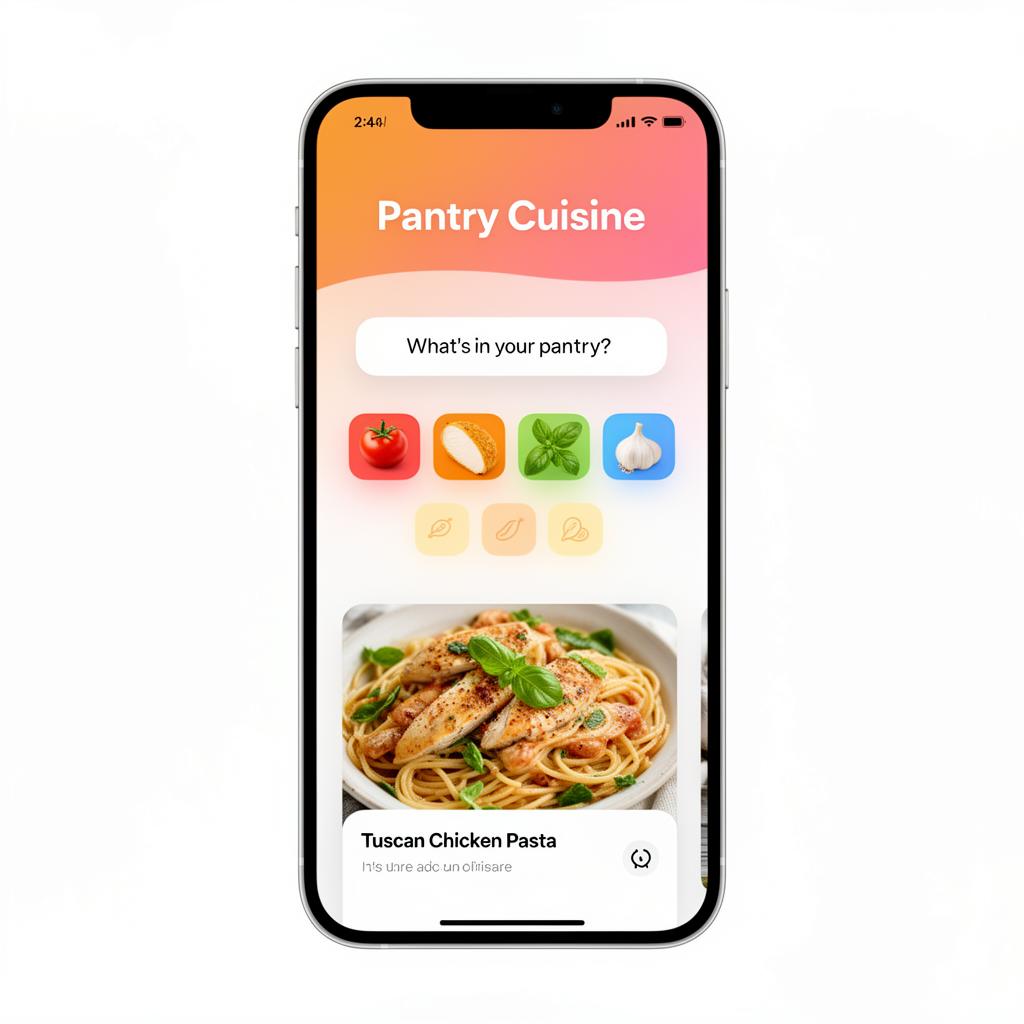
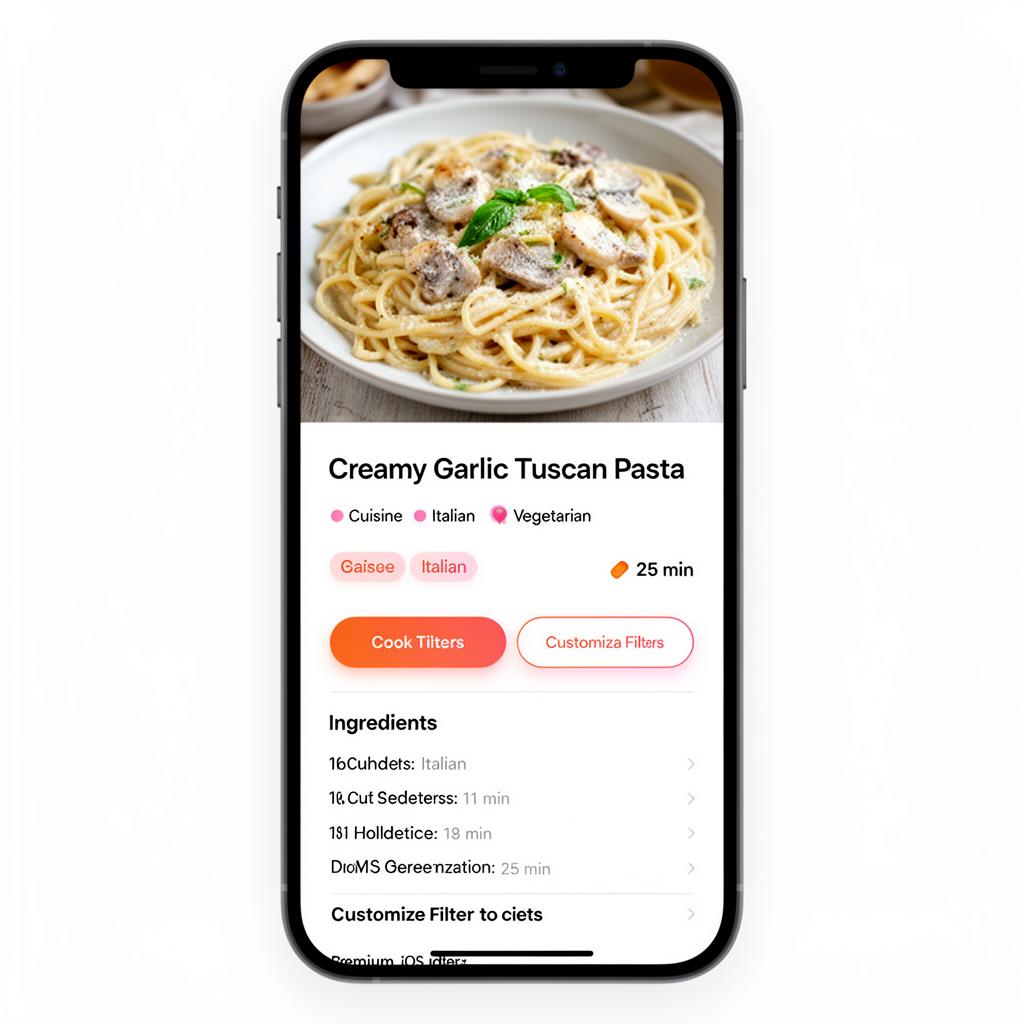
Everything you need to cook better.
Discover, create, transform, organize and enjoy — one app for the whole cooking journey.
Real recipes, matched to you
We search Spoonacular's library of hundreds of thousands of real, chef-tested recipes and match them to your ingredients, meal type, servings, taste and cuisine.
Nina, your AI backup
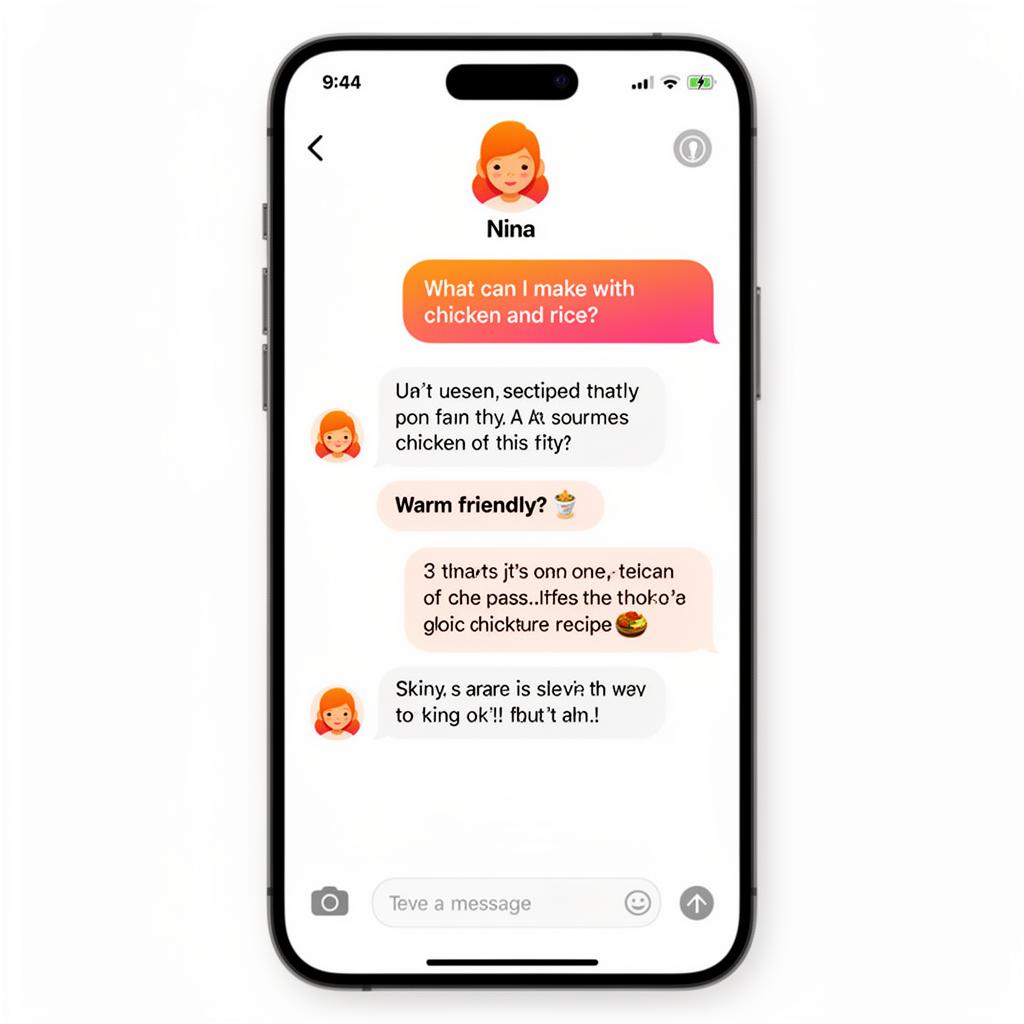
When no existing recipe fits, Nina steps in to create one — and she's always there to chat about substitutions, techniques and cooking questions.
Import from social media
Found a recipe you love on social media? Share it into PantryCuisine and keep it with the rest of your cooking.
Transform into full recipes
PantryCuisine turns an imported recipe into an enhanced, thorough recipe that's easier to understand, organize and cook.
Meal planning
Organize your meals and plan what you want to cook, so deciding on dinner takes seconds.
Shopping list
A dedicated shopping experience for recipe ingredients — organize everything you need to cook and shop.
Community
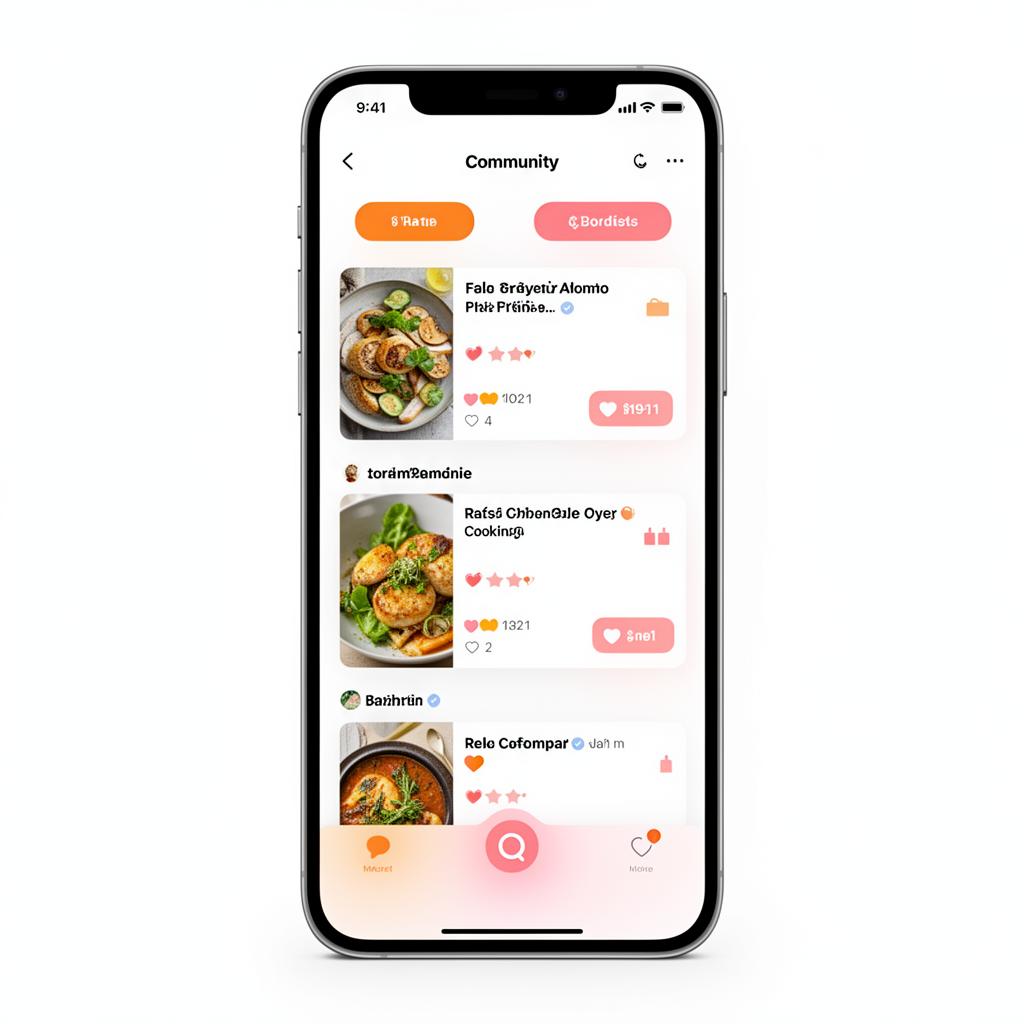
Discover recipes, share cooking inspiration and interact with other people who love to cook.
Favorites
Save the recipes you love and come back to them whenever you're ready to cook.
Made your way
Customize with filters for cuisine, taste, servings and ingredients so every recipe fits your table.
From social post to complete recipe.
Found a recipe you love on social media? Bring it into PantryCuisine. We don't just save it — we turn it into an enhanced PantryCuisine recipe built for cooking.
Social media recipe
Spot a dish you want to make.
Share into PantryCuisine
Send the recipe straight to the app.
PantryCuisine transforms it
It becomes a thorough, structured recipe.
Save, shop, cook, share
Cook it, add ingredients to your list, share it.
Designed to feel as good as the food tastes.
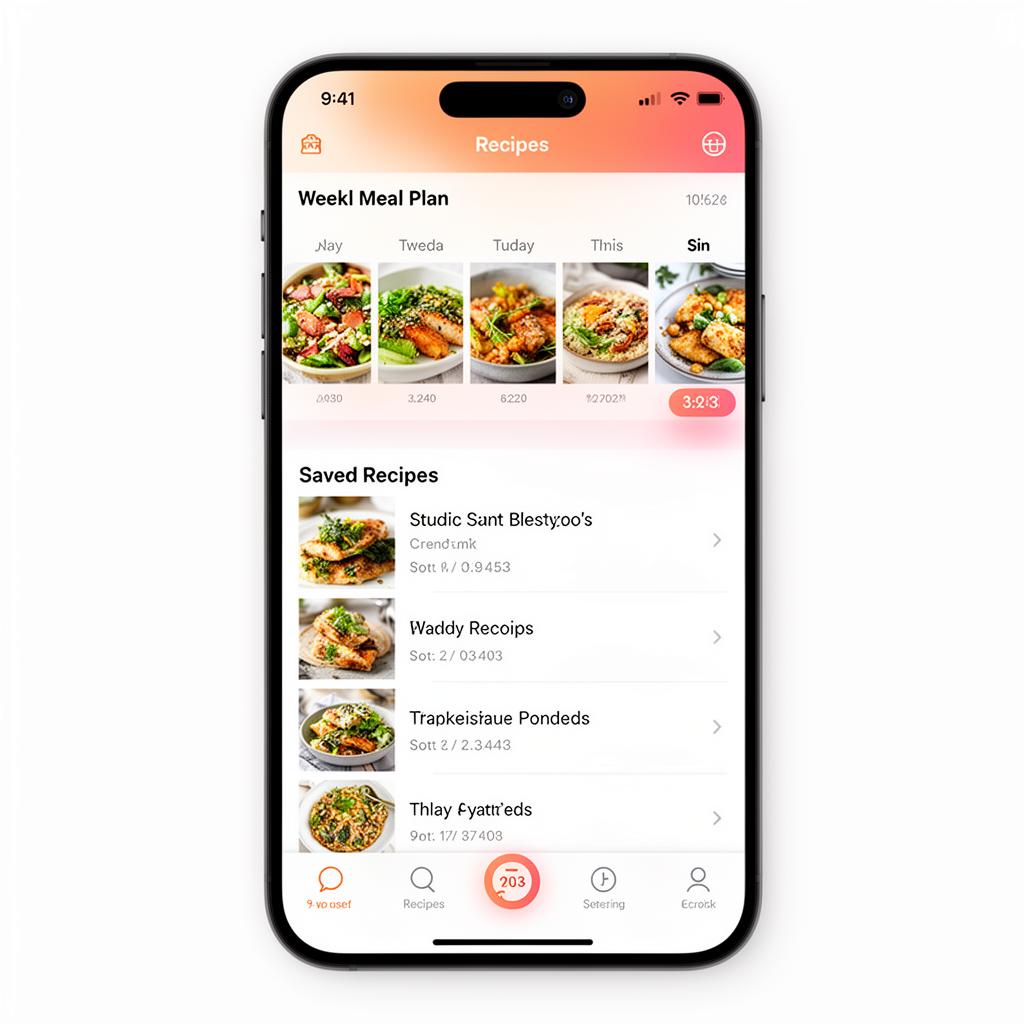
Four steps from idea to plate.
Choose what you want to cook
Start from a craving, an ingredient, or a recipe you saw online.
Customize your preferences
Meal type, servings, flavor, ingredients, cuisine and more.
Generate, discover or import
Create a recipe with AI, browse ideas, or bring one in from social media.
Cook, save, shop and share
Follow the recipe, save it, build your shopping list, share it with the community.
Your AI cuisine expert.
Nina is built into PantryCuisine as your cooking expert — not a generic chatbot. Ask anything from "what can I make with leftover rice?" to "how do I rescue this sauce?" and get a clear answer in seconds.
- Cooking questions and preparation tips
- Recipe ideas when you don't know what to make
- Ingredient substitutions and cuisine guidance
Cook together. Share what works.
Discover recipes from other home cooks, share your own cooking inspiration, and interact with people who love food as much as you do.
Choose the plan that fits your kitchen.
Premium and Pro are both available monthly or yearly. Yearly saves you around 20%.
Premium
YearlyFor everyday home cooks who want more from PantryCuisine.
- Unlimited recipe matching from Spoonacular
- Nina AI backup recipes and cooking chat
- Meal planning and shopping lists
- Save unlimited favorites
Subscriptions are managed in the app.
Pro
YearlyFor cooks who want the full PantryCuisine experience.
- Everything in Premium
- Import recipes from social media
- Transform imports into enhanced PantryCuisine recipes
- The most generous usage across the app
Subscriptions are managed in the app.
Questions, answered.
What is PantryCuisine?
PantryCuisine is a smart cooking companion. It matches what you have and what you feel like eating to real, chef-tested recipes from Spoonacular's library, and uses Nina, our AI cuisine expert, as a backup when nothing fits.
What can I use PantryCuisine for?
Finding real recipes for your ingredients, chatting with Nina about cooking, importing and transforming social media recipes, meal planning, shopping lists, saving favorites and connecting with the cooking community.
Where do the recipes come from?
Most recipes come from Spoonacular, a widely trusted recipe platform with hundreds of thousands of real, tested recipes. If nothing in that library fits your ingredients and preferences, Nina generates a personalized recipe as a fallback.
Who is Nina?
Nina is PantryCuisine's AI cuisine expert and backup cook. She creates a recipe when no existing one fits, and answers cooking questions, substitutions and preparation tips.
Can I import recipes from social media?
Yes. When you find a recipe you love on social media, you can share or import it into PantryCuisine.
Can PantryCuisine improve imported recipes?
Yes. PantryCuisine can transform an imported recipe into an enhanced, thorough PantryCuisine recipe that's easier to understand, organize and cook.
Does PantryCuisine have meal planning?
Yes. You can organize your meals and plan what you want to cook.
Does PantryCuisine have shopping lists?
Yes. There's a dedicated shopping experience for recipe ingredients so you can organize what you need for cooking and shopping.
Is there a PantryCuisine community?
Yes. You can discover recipes, share cooking inspiration and interact with other people who enjoy cooking.
Does PantryCuisine have a free version?
You can download PantryCuisine for free and start using the app. Premium and Pro subscriptions unlock more of the experience.
What are Premium and Pro?
They're PantryCuisine's two subscription plans. Premium covers everyday cooking with unlimited recipe matching, Nina, meal planning and shopping lists, while Pro adds the social media import and recipe transformation experience.
Can I subscribe monthly or yearly?
Both Premium and Pro are available monthly or yearly. Yearly billing saves you around 20% compared with paying monthly.
Start cooking smarter today.
Download PantryCuisine and create your first recipe in minutes.